6. Screen Pinning – Safely Hand Your Phone to Kids
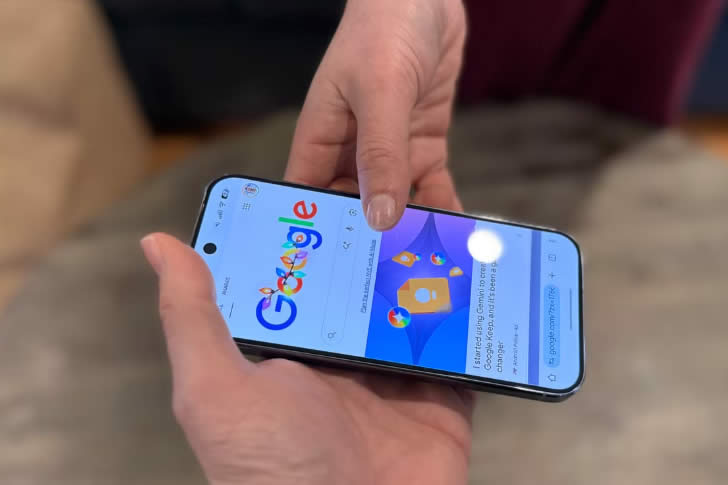
Want to let the children play a game or watch a video without them accidentally calling your boss, deleting photos, or opening your banking app? Screen Pinning locks the phone to just one app until you enter your PIN to exit.
On Android: **Settings → Security → Screen pinning** (or Advanced → App pinning). Open the app, go to recent apps, tap the pin icon. On iPhone, Guided Access does the same (**Settings → Accessibility → Guided Access**). Hand over the phone with total peace of mind—ideal for keeping little hands entertained while you enjoy a quiet cup of tea.